Import guide
Import the variable into Google Tag Manager
Follow these six steps to add the downloaded variable file to your container.
-
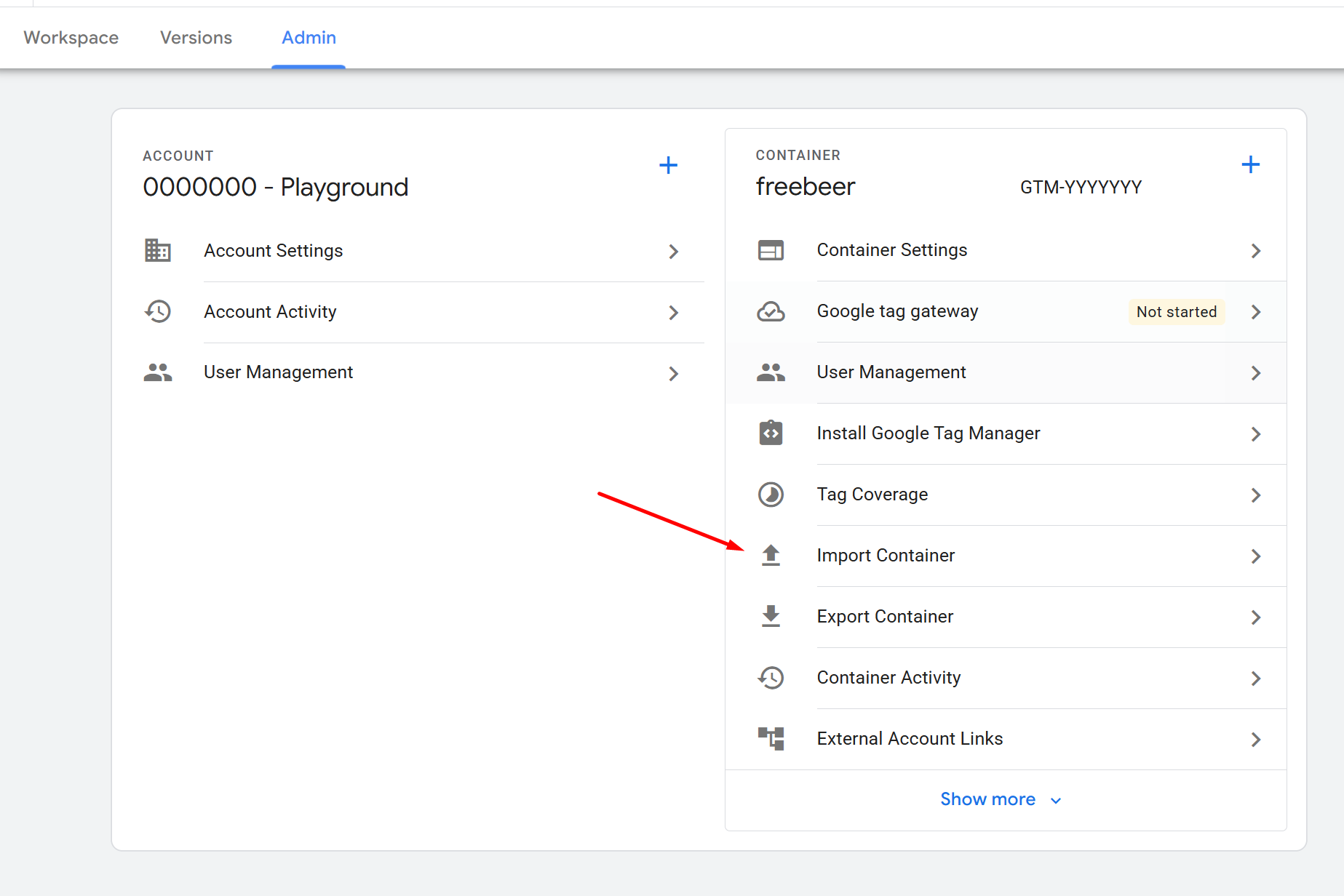
Step 1
Open the GTM Admin area
In Google Tag Manager, open the container where you want to import the variable.
-
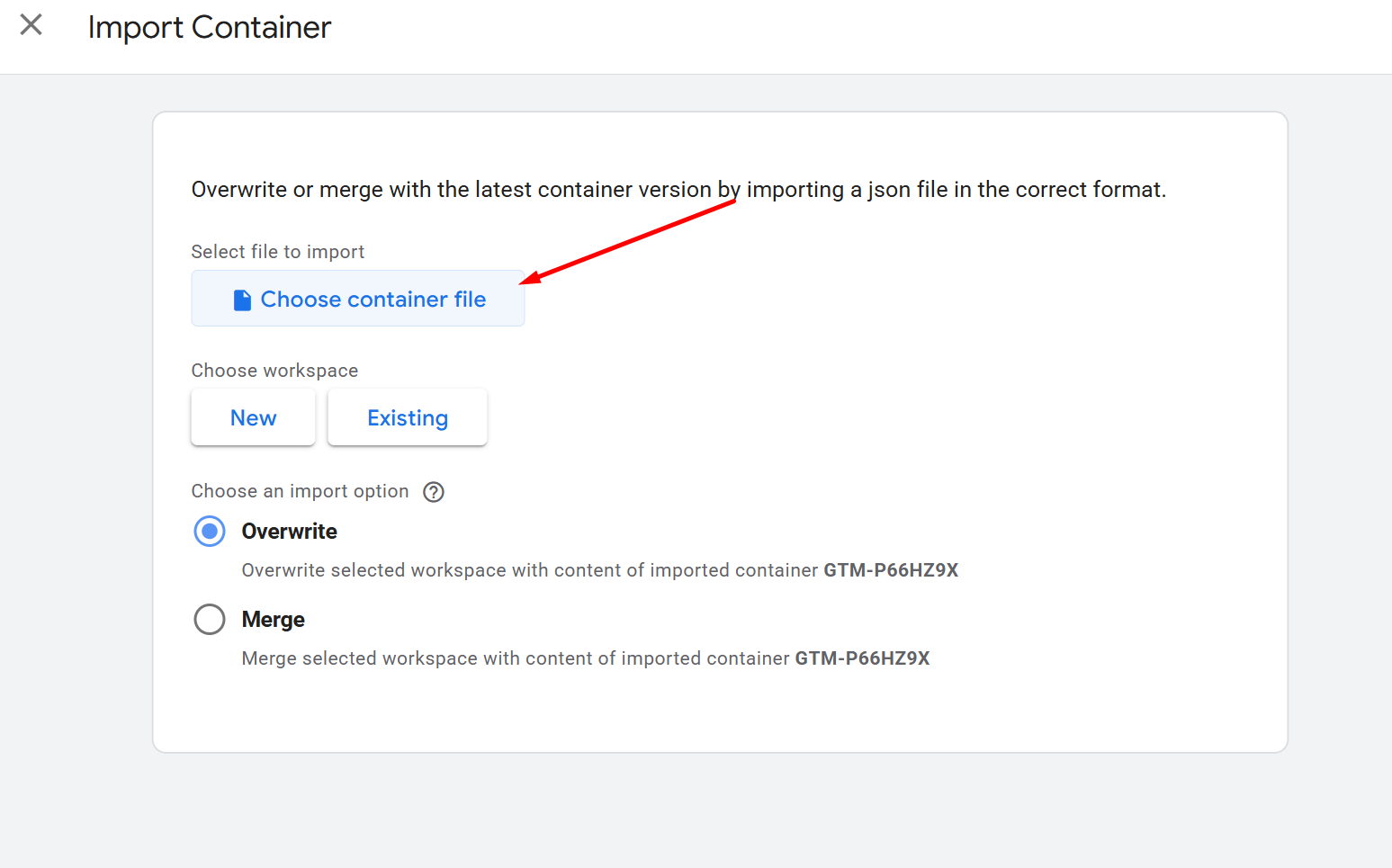
Step 2
Choose the container file
Select the downloaded JSON file in the Import Container workflow.
-
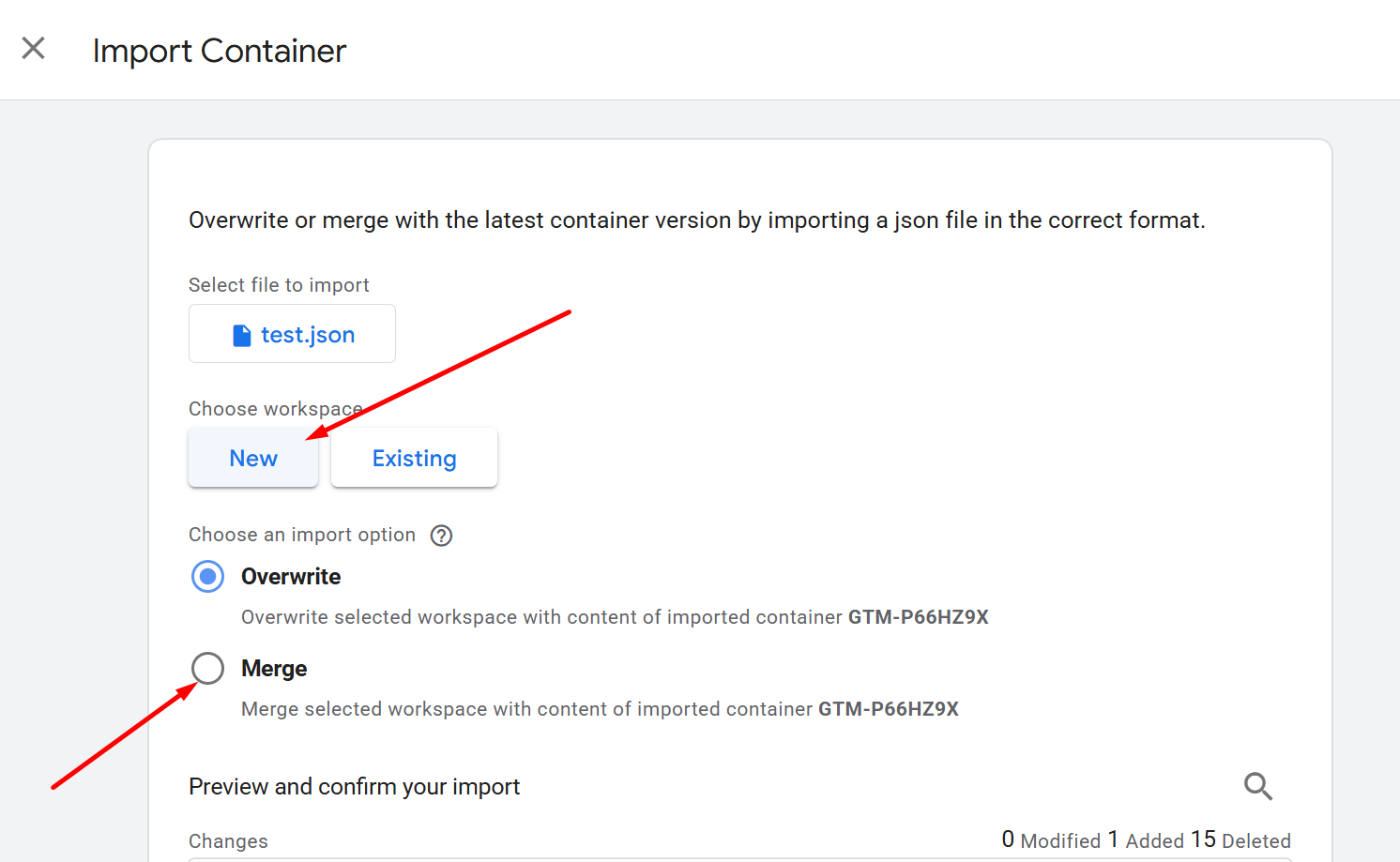
Step 3
Pick a new workspace
Create a new workspace for the import so you can review the changes separately.
-
Step 4
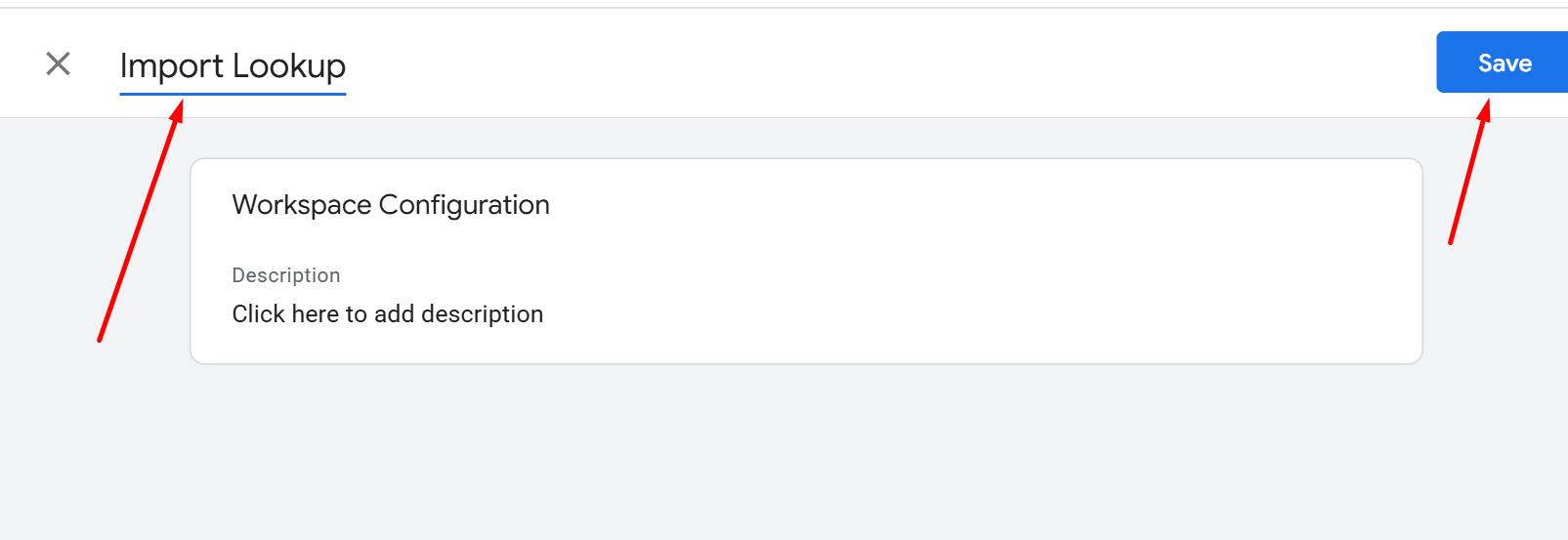
Name the new workspace
Give the workspace a clear name and continue to the import options.
-
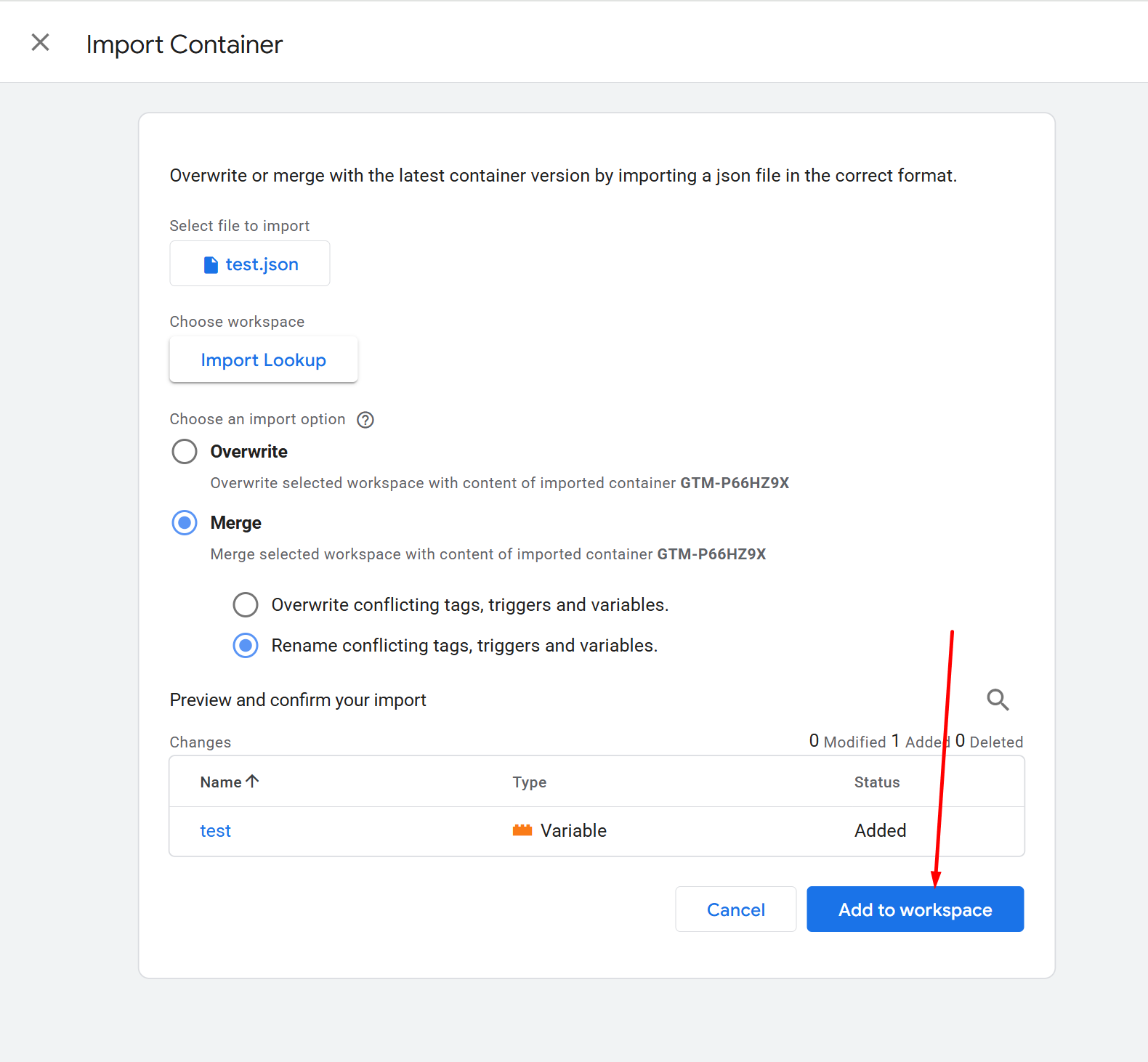
Step 5
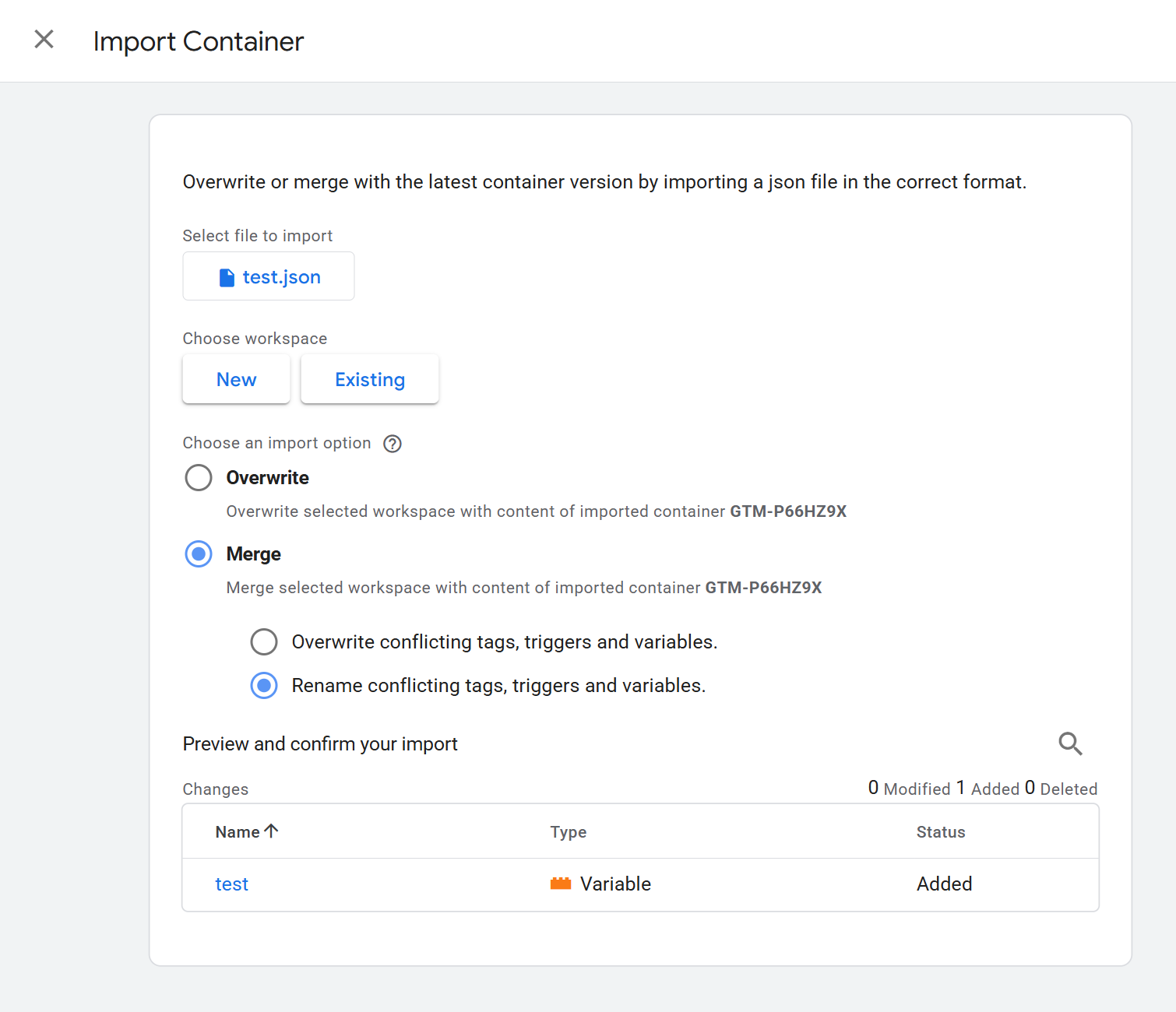
Choose the merge options
Select Merge and Rename conflicting tags, triggers, and variables.
-
Step 6
Add it to your workspace
Confirm the import. The lookup table variable is now ready to review in your workspace.